
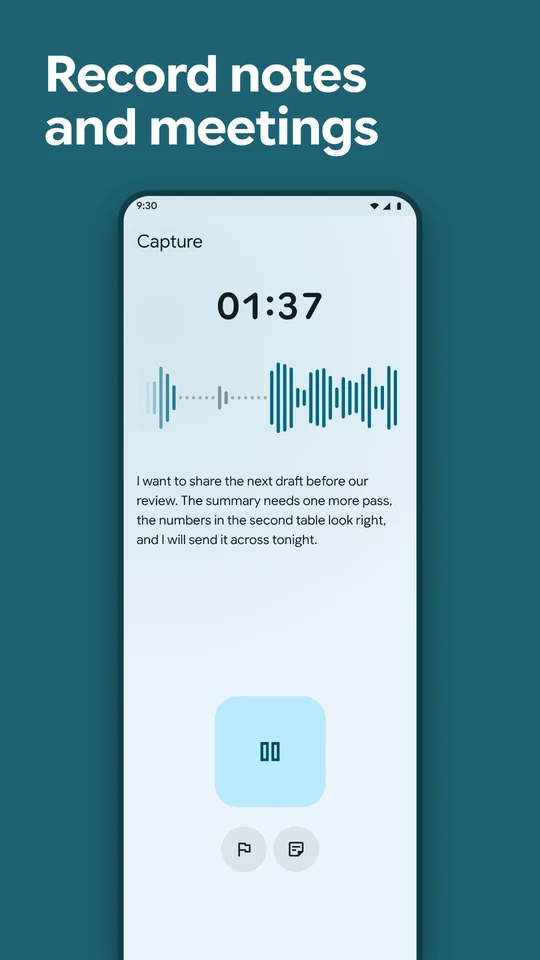
Write anywhere
Spoken punctuationSay "question mark" or "new paragraph".
ScribeKey types the punctuation and line breaks you say.
Rewrite on the bubblePick a skill after you speak.
Your words are rewritten in place before they land, as an email or a tidier message. The bubble lists the skills that suit the app first. Skills use the AI provider you set up. Browse skills
Record and transcribe
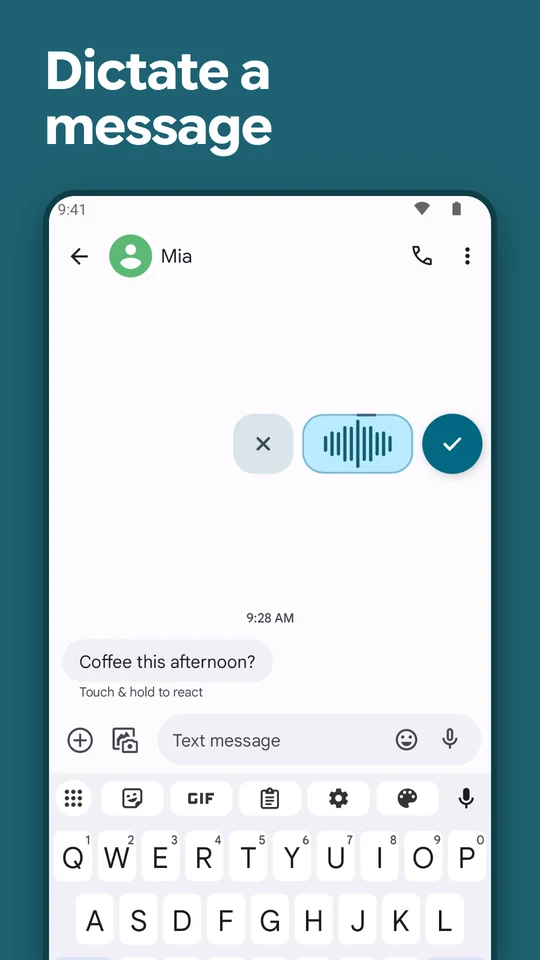
CaptureRecord a voice note as a session.
With an Experimental live model, words appear as you speak. Pause and resume in one session, and flag a moment to find later. Notes and ideas
Meetings with speakersLabels split a meeting by voice.
Name each speaker. A skill you choose can write the notes afterwards, using the AI provider you set up. Meetings and lectures
Transcribe audio filesImport a recording you already have.
Or share one to ScribeKey from another app.
Sessions and searchFind any session by its words.
Your dictations, captures and meetings all stay in Sessions. Add notes, flags, types and tags. Swipe to delete, copy or share, and a deleted session waits 30 days in Recently deleted.
Speech on your phoneWorks offline once a model is installed.
Pick a model for your language and your phone's memory. If you prefer, send audio to a speech provider you set up. Models by language
Polish your words
Basic cleanupRemoves hesitations and adds full stops.
It adds capitals too. It runs on your phone and works offline.
RefineAI cleanup in your style, on your phone.
It removes repeats and false starts, and applies corrections you say. It needs a 64-bit phone with at least 6 GB of memory. Cleanup model
SkillsTurn dictation into an email or a summary.
Pick a skill in the editor or on the bubble, which lists the ones that suit the app first, like Email in your email app. You can write your own. Skills send text to the AI provider you set up. Browse skills
StudioTurn a session into a summary, action items or an email.
Each document has its own history, so you can edit it, undo changes and back it up with your sessions. Your transcript stays as you said it. Studio uses the AI provider you set up.
Edit transcriptsType, or keep dictating at the cursor.
Your edits save, and the dictated transcript stays. Undo treats each change, even a rewrite, as one step. Headings and lists stay Markdown when you copy.

Make it yours
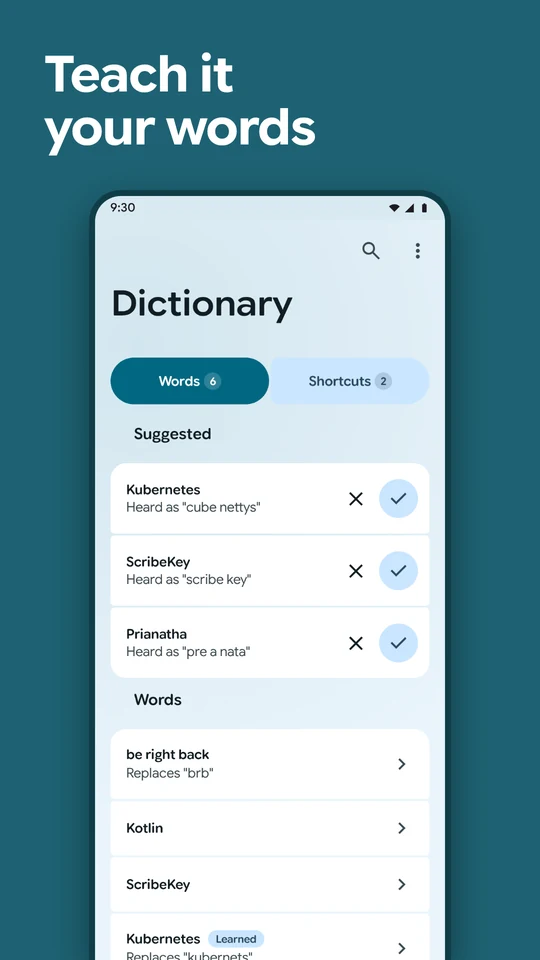
DictionaryAdd names and spellings you use.
Correct a word, then choose to teach it. ScribeKey learns a correction only when you ask.
ShortcutsA short phrase types text you repeat.
Save it once. The phrase then types the full text.
Export and back upText, Markdown, JSON, CSV or subtitles.
You can export the recording too. Keep an encrypted backup you can restore.
Sync to your notesCopy sessions to a folder or WebDAV.
Sessions arrive as readable notes for apps like Obsidian. You can sync on Wi-Fi only.
Privacy controlsApp lock uses your fingerprint or face.
Your screen lock works too. There is no account. ScribeKey reads only the field you type in and skips password fields. You choose how long recordings are kept. Privacy policy
Try every feature for 7 days, then buy once. See pricing